WARDOGS Tutorial Not Loading: Fix the Training Hang & Post-Tutorial Crash
WARDOGS tutorial stuck on loading, black screen, or an Unexpected Error crash after the tutorial? A verified fix ladder from file verification to config reset.
FAQ
Is the WARDOGS tutorial mandatory?
Why does WARDOGS crash with an Unexpected Error right after the tutorial?
How long should the WARDOGS tutorial take to load?
Can I skip a tutorial that will not load at all?
You launched WARDOGS for the first time, the game promised a quick basic training — and the tutorial either never loads, hangs halfway through, or greets you with an Unexpected Error dialog that keeps coming back on every launch afterwards. This page owns exactly that failure family: everything that goes wrong between the main menu and finishing (or leaving) the tutorial.
Scope first — match your symptom before you touch anything:
- The game crashes or closes before any menu → Elytra anti-cheat and launch error fixes.
- A black screen or “Logging In” loop on the way to the menu, unrelated to the tutorial → loading screen and login hang fixes.
- Loading text stops at “Fetching game data” → the session-data hang page.
- The tutorial works but matches afterwards are stuck in queues or disconnects → connection and server troubleshooting.
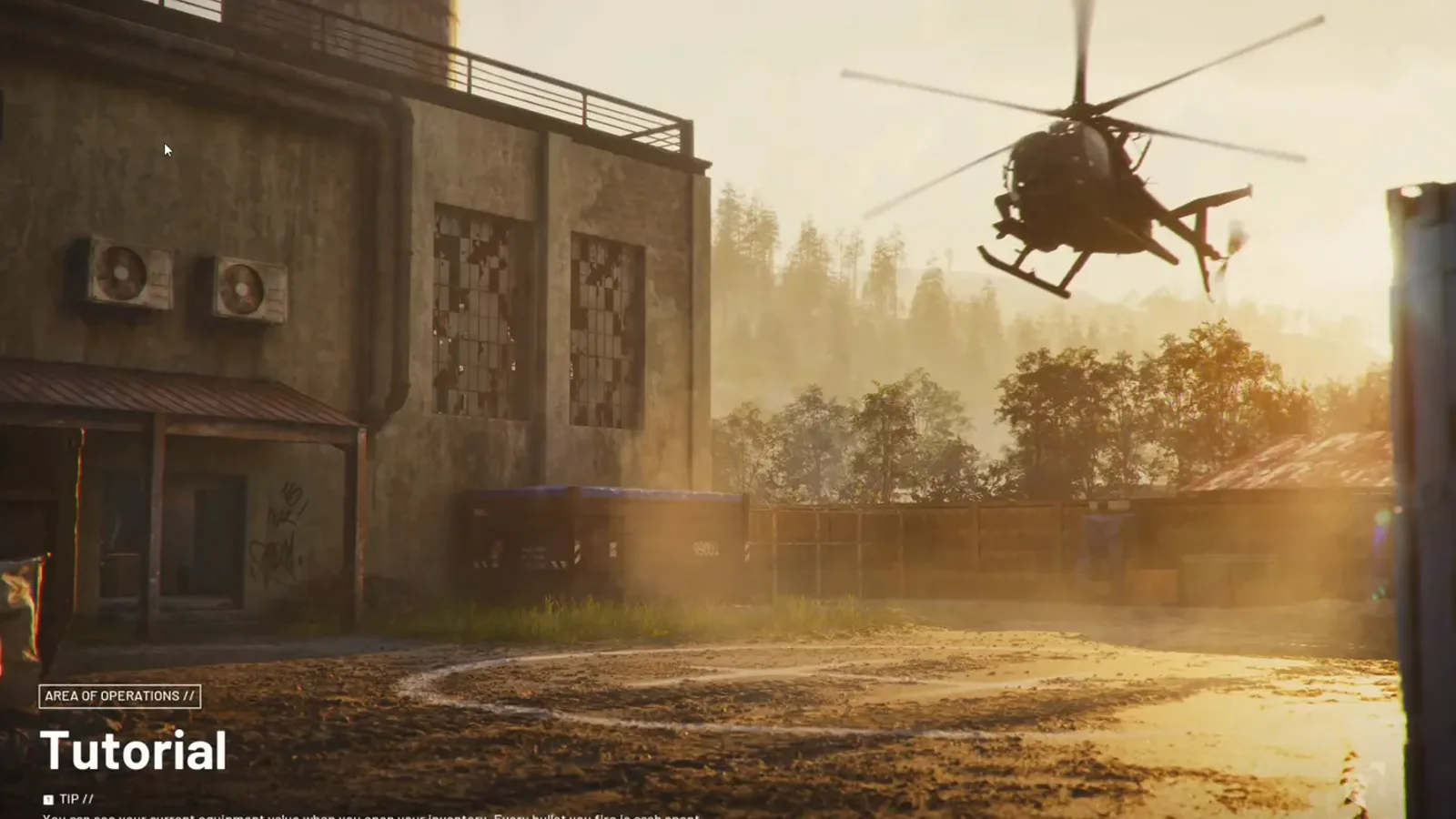 The tutorial’s own title card — the last screen you see before the training starts, and the one that hangs forever in the “tutorial not loading” case. Frame: TacticalDrake on YouTube.
What the Tutorial Phase Actually Is
The WARDOGS tutorial is a scripted, linear training center sequence, not a match: a narrator walks you through a projector intro video, an equipment vendor hands you an AK and ammo, and you rotate through training stations — bullet penetration and ricochet, an overhand grenade throw through a window, armor weight trade-offs, dragging and reviving a downed soldier with a defibrillator, standing in a control zone and a hot zone to see how scoring and cash work, and finally grabbing ammo and building materials from a vendor.
Two facts matter for troubleshooting:
- It is a one-time gate with no official skip. Bulkhead has not built a skip button. Players report a workaround — load into the tutorial, press Esc, wait about 15–30 seconds until Leave Match unlocks, then leave. (Community-reported, via WARDOGS Steam Discussions; Bulkhead has not confirmed it, and community reaction to the tutorial itself is mixed — threads call it slow and note it teaches basic FPS controls rather than the economy and FOB systems.)
- It writes local state. The tutorial phase is the first time the client compiles shaders for real scenes, saves config, and establishes an anti-cheat session on your machine — which is why “worked until the tutorial, broken on every launch after” is a real and common pattern.
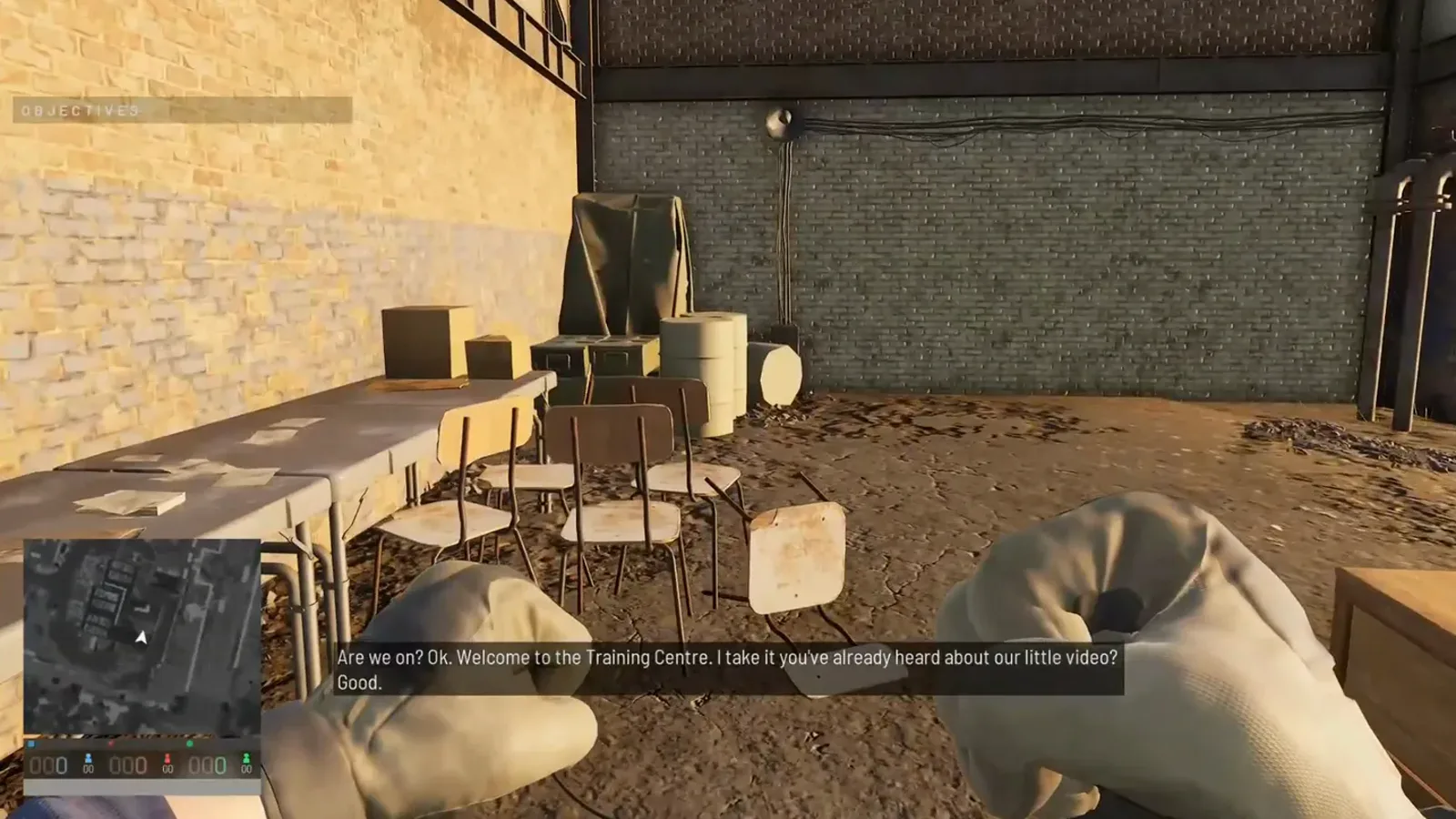 Inside the Training Centre: the classroom where the narrator’s briefing plays before the shooting stations begin. If your client hangs before this room ever appears, you are in the loading-failure case this page treats. Frame: TacticalDrake on YouTube.
The Three Reported Failure Shapes
Match yours before starting the ladder — the shapes have different likely owners:
- The tutorial never loads. You pick the training from the menu and get an infinite loading spinner or a black screen that never reaches the projector room. This is the “tutorial not loading” case proper, and it behaves like the rest of the loading family: shader compilation, stale processes, or damaged files. (Community-reported.)
- Unexpected Error after the tutorial — then every launch. Reddit launch-window threads describe exactly this arc: the error appeared first after the tutorial, then on every launch afterwards. A dialog that only starts appearing after one specific session almost always points at something that session wrote locally. (Community-reported; the exact trigger is not officially documented.)
- Freeze or crash at one training station. Some players get through the intro rooms and die at a specific effect-heavy moment — the grenade throw, the defibrillator revive. Single-scene freezes smell like shader compilation hitches on that scene’s effects. (Community-reported.)
Officially on record for the whole family: Bulkhead’s Season 1 changelog (September 9, 2026) lists startup reliability improved, with clearer messages when something fails early and a route to recovery — an acknowledgement that Early Access boot paths were fragile. There is no dedicated official changelog entry for tutorial failures specifically, and we will not invent one.
Step 1: Verify Game Files — the Official Fix
This is the one step with an official pedigree: in the WARDOGS Report a Problem forum, Team17 Support answers tutorial bug reports with exactly this instruction — right-click the game in your Steam library → Properties → Local Files tab → Verify integrity of game files. Damaged or half-written tutorial scene files are the suspect the publisher itself points at first.
Two honest caveats from the same threads: at least one player reported the same error persisting after verification, and verification re-downloads a lot when files are badly damaged — let it finish completely before judging. If it fixes nothing, move on; the rest of the ladder targets the local state verification cannot reach.
Step 2: Kill Stale Processes, Then Reboot
Zombie game and anti-cheat processes hold lock files that break the next launch’s tutorial load:
- Close Steam fully (taskbar menu → Exit, not just the window).
- Open Task Manager and end any lingering WARDOGS game process and any Elytra anti-cheat process.
- Reboot the PC before the next attempt. Elytra loads a driver-level service, and a reboot clears states a game restart cannot.
This costs two minutes and fixes a real share of “second launch hangs” reports. The same rung appears in our loading screen ladder for the generic family.
Step 3: Clear DirectX and GPU Shader Caches
For shape 1 (never loads) and shape 3 (freezes at one station), a corrupted shader cache is the leading suspect — the tutorial is the client’s first real shader-compilation workout:
- Run Windows Disk Cleanup and clear DirectX Shader Cache.
- Purge the vendor cache folders (
DxCache/ shader cache directories under your NVIDIA or AMD AppData paths). - Expect the next launch to be slow. The first boot after a purge recompiles everything and can sit on loading text for several minutes — that is recovery, not a new failure.
The full procedure, folder by folder, is Step 2 of the loading screen and login hang fixes.
Step 4: Reset Local Config and Saved State
For shape 2 (Unexpected Error on every launch after the tutorial), this is the rung that matters most — the tutorial session wrote something your client now chokes on:
- Close the game and Steam completely.
- Open
%LOCALAPPDATA%\Wardogs\Saved\Config. - Back up your keybind file first if you have customized anything.
- Delete the folder’s contents (or rename the folder
Config_backup) and relaunch through Steam so defaults are recreated. - Also clear the DerivedDataCache folder in the same
Savedtree if it exists. (Community-reported — the same reset documented on our loading screen page.)
Then run one Steam Cloud test: Library → WARDOGS → Properties → General → uncheck Keep game saves in Steam Cloud, launch once, re-enable afterwards. A cloud manifest conflict can re-deliver the same corrupted state that verification and config resets just removed. (Community-reported.)
Step 5: Clear Anti-Cheat and Security Conflicts
The tutorial establishes your first real Elytra anti-cheat session, so anything that blocks or slows it can hang the training load:
- Add firewall and antivirus exceptions for the game executable and its anti-cheat components; if your antivirus quarantined an anti-cheat file, restore it and exclude the folder — full procedure in Fix 3 of the Elytra launch ladder.
- Close other kernel-level anti-cheats for one test launch — Riot Vanguard (Valorant) and FACEIT are the ones launch-window threads name most often. (Community-reported.) Re-enable them afterwards.
Last Resort: the Community Skip Workaround
If the tutorial loads but hangs inside the training — and only after Steps 1–5 have failed — players report you can leave it early: press Esc as soon as you land, stay on the menu about 15–30 seconds until Leave Match unlocks, and leave. (Community-reported. Bulkhead has not documented whether an abandoned tutorial counts as completed or has any downstream effect, so treat this as a diagnostic, not a fix: if the rest of the game works afterwards, the fault lives in the tutorial content itself — and that belongs in a support ticket.)
If the training never renders at all, there is nothing to skip into — stay on the ladder above.
What We Deliberately Do Not Claim
- No tutorial-specific error code is verified. Third-party fix sites glue numeric codes to every WARDOGS symptom; we have not been able to verify any code-to-tutorial mapping against an official Bulkhead or Team17 source, so none are repeated here as conclusions.
- No official cause has been published. Everything above the Team17 file-verification instruction is community-reported from the Early Access launch window (r/WarDogs, Steam community threads) and labeled as such.
- Do not download a “tutorial skipper” or “loading fixer” executable. Launch-week fix tools are a known malware pattern — see our cheats and malware warning page.
When to Stop and File a Ticket
If the whole ladder fails while other players train normally, open a thread in the official WARDOGS → Report a Problem Steam forum (Team17 Support answers there) and include: which of the three shapes you hit, the exact on-screen text of any dialog, whether verification changed anything, and your GPU/driver. Early Access means the developers are actively collecting exactly these reports.
Once the Tutorial Lets You Through
The training only covers movement basics — the systems that actually decide your first matches are the economy, the FOB, and the loadout. Pick up where the tutorial stops with the beginner guide, set your client up properly with the best PC settings, and learn the money-making loop before your first $10,000 disappears.
Tutorial structure on this page reconstructed from a full playthrough recording (HeyItsCarlos, YouTube — a pre-launch build; station order may shift in EA) and the WARDOGS HUB tutorial FAQ (published 2026-09-23). Page frame: TacticalDrake on YouTube. Officially confirmed: the Team17 Support file-verification instruction (Steam “Report a Problem” forum) and the Season 1 changelog startup-reliability entry (September 9, 2026). Everything else is community-reported from the EA launch window and labeled in place. This page will be updated as fixes are verified against live builds.
Related Articles
guides
WARDOGS Helicopter Pilot Guide: What Your Team Needs Each Phase
The WARDOGS pilot playbook by match phase: passenger lifts early, FOB logistics mid, fuel for the drill, scouting and CAS late — with on-screen payouts.
guides
WARDOGS Sniper Guide: Rifle Choice, Spotting Economy & Positioning
A WARDOGS recon sniping playbook: which rifles to buy and skip, the binocular XP loop, 100 m ranging discipline, and concealment-first positioning.
guides
WARDOGS Support Class Guide: Weapons, Bipod Doctrine & Anti-Vehicle Play
The full WARDOGS Support career playbook: shotgun and LMG unlock ladder, the bipod recoil trick, XP sources beyond shooting, and vehicle kill data.
Was this helpful?
Thanks for the feedback!